3D Game
Mobile Game Dev
Pro Tips
Three.js for Mobile Games
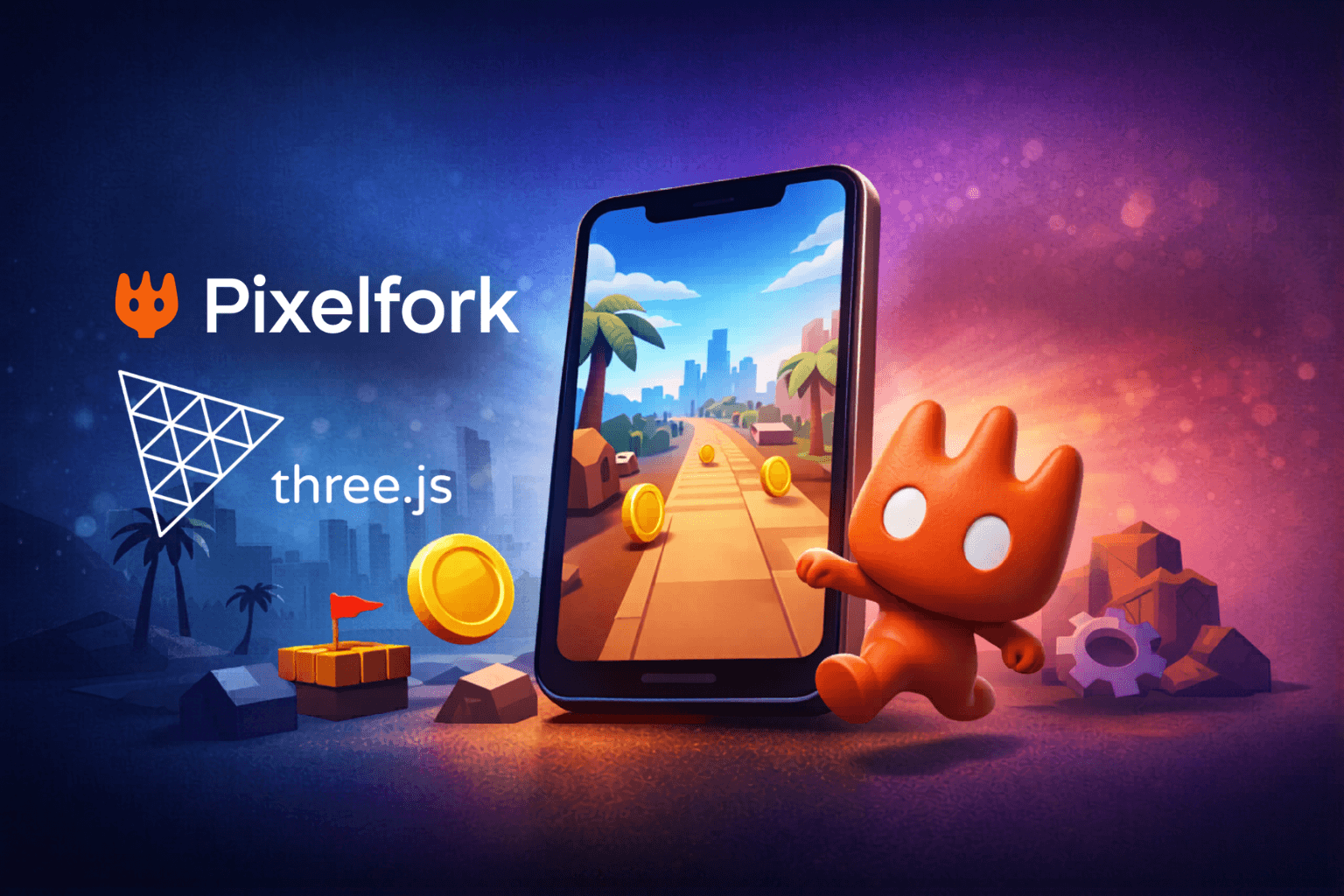
A lot of devs still underestimate Three.js.
They think it’s for landing pages, 3D portfolios, maybe some product viewers. That was true years ago. Not anymore.
Today, Three.js is strong enough to power fully playable mobile games. And more importantly — it’s fast enough to iterate with.
That’s exactly why we use it inside Pixelfork.
How Pixelfork actually uses Three.js
Let me be direct.
We are not building a “chat wrapper” around code.
Pixelfork uses Three.js as the rendering backbone. Everything you generate — scenes, characters, environments, animations — is structured on top of it.
So when you prompt:
“create a 3D runner with coins and obstacles”
What you get is not just random code. It’s a working Three.js-powered game scene:
camera already positioned for gameplay
lighting set for readability (not cinematic nonsense)
assets loaded and placed in a real scene graph
animations wired
touch controls mapped
game loop already running
And then we layer our stuff on top:
Game Mechanics panel (so you tweak gameplay without touching code)
asset pipelines (sprites, 3D models, textures)
mobile-first layouts
export → playable build (APK coming, web playable already works clean)
Basically, we remove the painful 0→1 setup.
You don’t start with an empty canvas. You start with a playable.
That’s the difference. farid khais
Where most devs waste time with Three.js
If you’ve used Three.js before, you know this pain:
setting up camera, renderer, resize logic
wiring touch input properly
dealing with asset loading
fixing performance on mobile
debugging lighting and shadows
structuring the game loop
None of that is “game design.”
It’s setup tax.
And honestly, that’s where a lot of ideas die.
Pixelfork skips that phase. But even if you’re using Three.js directly — you should optimize how you approach it.
How to use Three.js to its full capability (for mobile games)
This is where most people get it wrong.
1. Think mobile-first, not desktop-first
If your game feels good on desktop and “okay” on mobile — you built it wrong.
Three.js gives you full control, so use it:
design for touch, not mouse
keep camera angles simple and readable
avoid tiny UI elements
test on real devices early
Mobile is not a smaller desktop. It’s a different behavior model.
2. Mix 2D and 3D aggressively
One of the biggest advantages of Three.js is flexibility.
You don’t have to go full 3D.
The best mobile games often use:
3D environments
2D-style gameplay
billboard effects
simple camera setups
That gives you performance + visual depth.
A lot of people overcomplicate this. You don’t need realism. You need clarity.
3. Performance is about discipline, not tricks
Three.js won’t magically optimize your game.
You need to be intentional:
fewer objects, not more
reuse materials
keep textures small
limit shadows
avoid overdraw
Mobile players don’t care about your shader complexity. They care about smooth gameplay.
60 FPS > fancy lighting.
Always.
4. Use assets smartly, not heavily
Three.js supports modern formats well.
But that doesn’t mean:
“throw high-poly models everywhere”
Instead:
use lightweight 3D assets
replace distant objects with flat visuals
fake details where possible
prioritize readability over realism
If your scene “looks cool” but plays badly, it’s useless.
5. Keep your game loop clean
Three.js lets you do anything. That’s dangerous.
Don’t mix everything together.
Separate:
input
game logic
rendering
If you don’t, scaling your game becomes a nightmare.
6. UI should not live inside your 3D world
This is a classic mistake.
Buttons, menus, HUD — keep them outside.
Use normal UI layers.
Your 3D scene is for gameplay. Not for menus.
Why this matters now
The reason I’m bullish on Three.js is not just the tech.
It’s timing.
We are moving into a world where:
games are created faster
prototypes matter more than polished builds
iteration speed beats engine complexity
Three.js sits right in the middle of that.
And when you combine it with platforms like Pixelfork, you get something interesting:
You don’t start from zero.
You start from a playable game.
Then you tweak, iterate, and scale.
That changes how games get built.
Final thought
Three.js is not “just a web library” anymore.
Used properly, it’s a mobile game engine — just without the heavy branding.
And tools like Pixelfork push it further by removing the setup friction and letting you focus on what actually matters:
the game itself.